Find local businesses. Collect verified leads.
Export in
seconds.
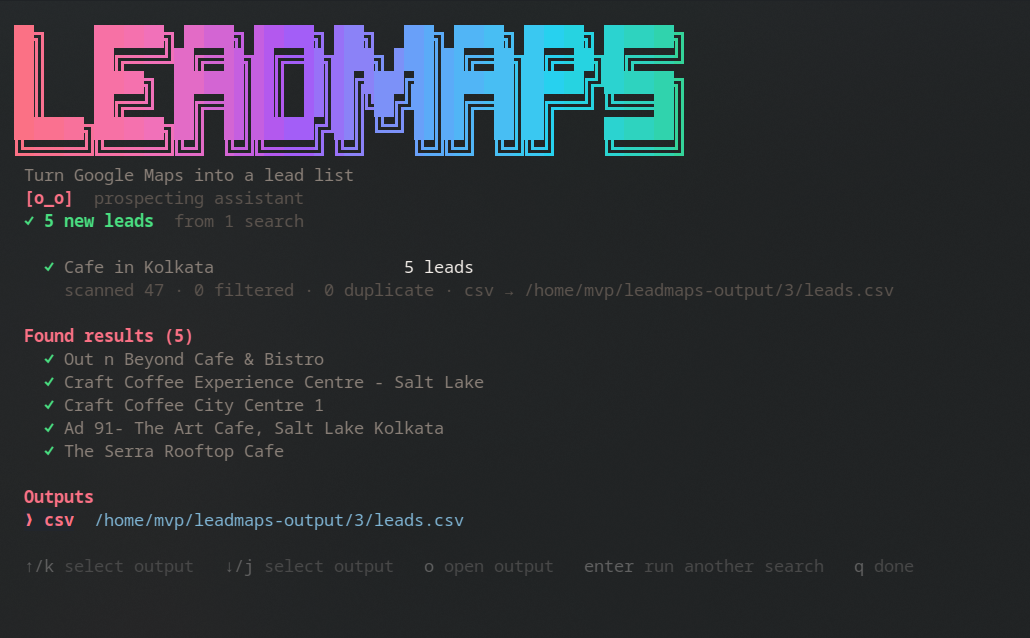
Leadmaps is a command-line application you install on your own computer. It reads the public Google Maps listings for a search you choose and writes them wherever you ask. Everything runs on your machine — Leadmaps has no server that stores your leads.
Google access is entirely optional and only involved if you choose Google Sheets as a destination. If you export to CSV, Excel, PDF or Notion, Leadmaps never touches a Google account at all.
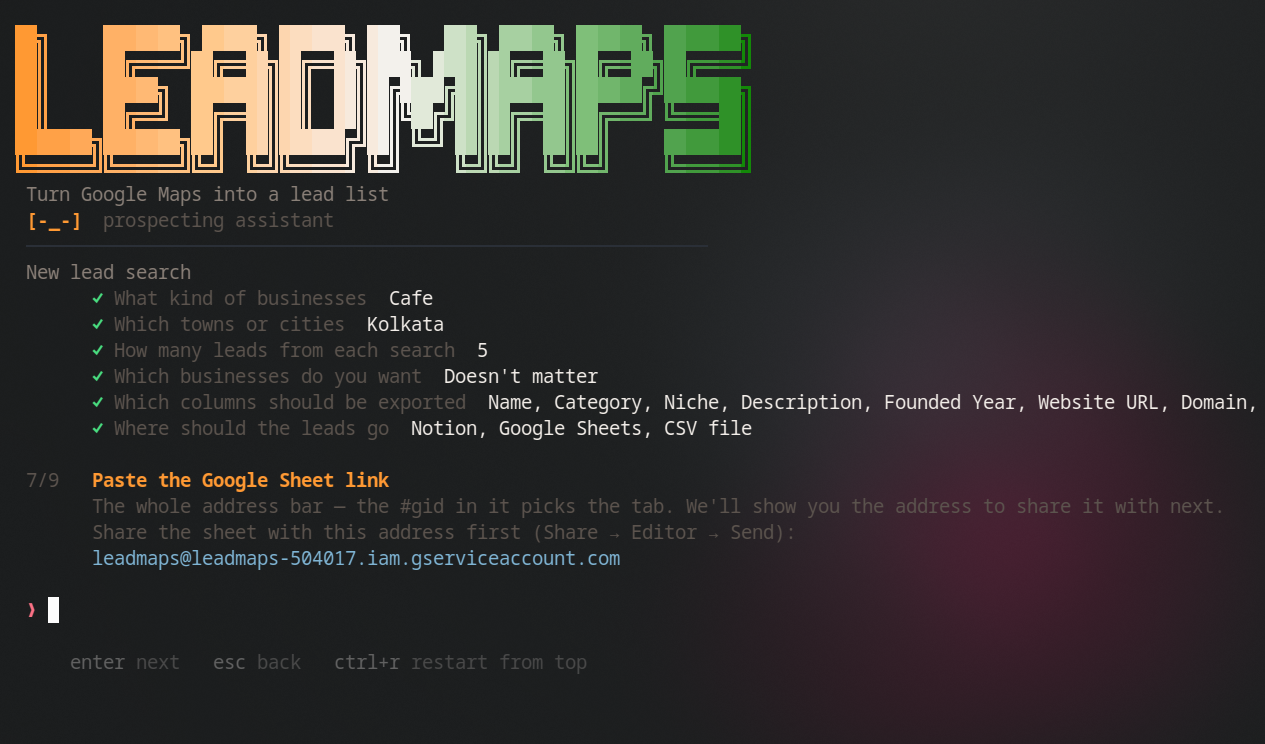
When you do choose it, there is no Google sign-in. You share your own spreadsheet with the Leadmaps service account — the same two clicks as sharing with a colleague — and paste the link. Leadmaps can then write to that one spreadsheet and nothing else in your Drive.
You never type a Google password anywhere, and you can revoke access at any time by removing the share.
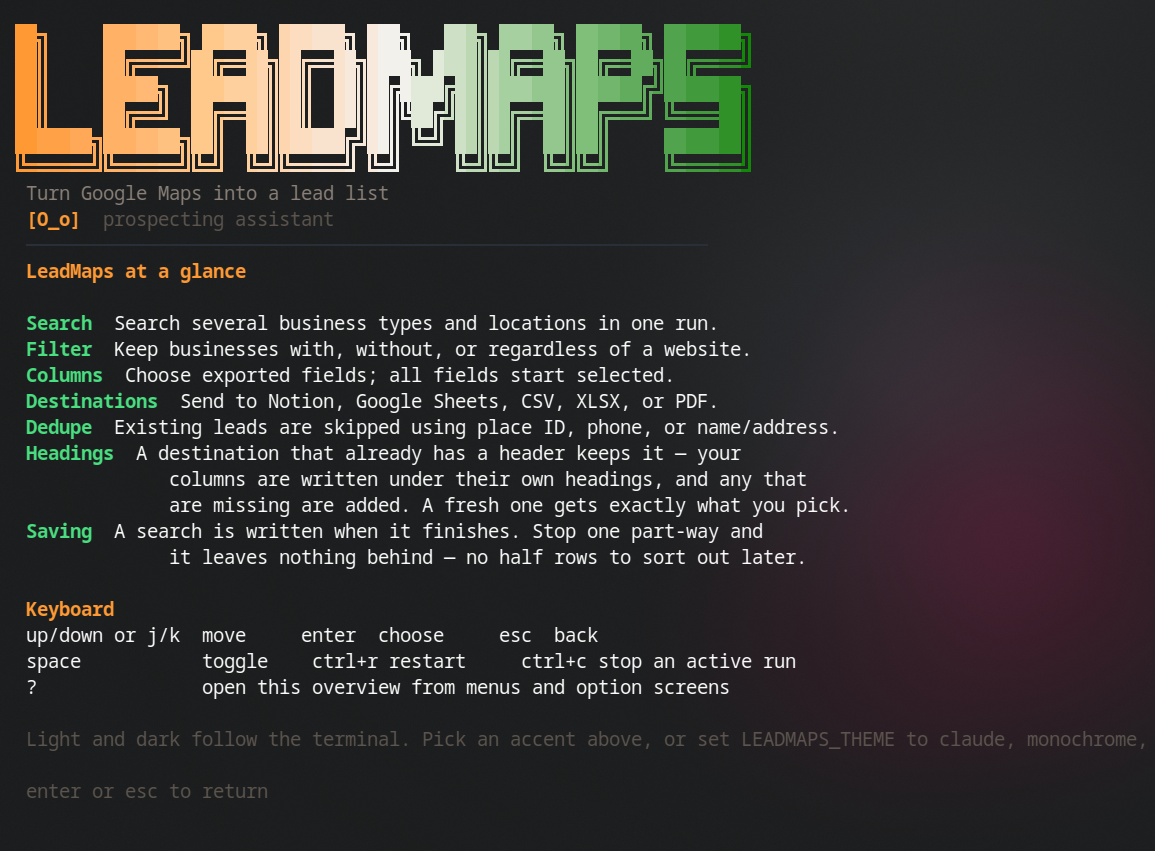
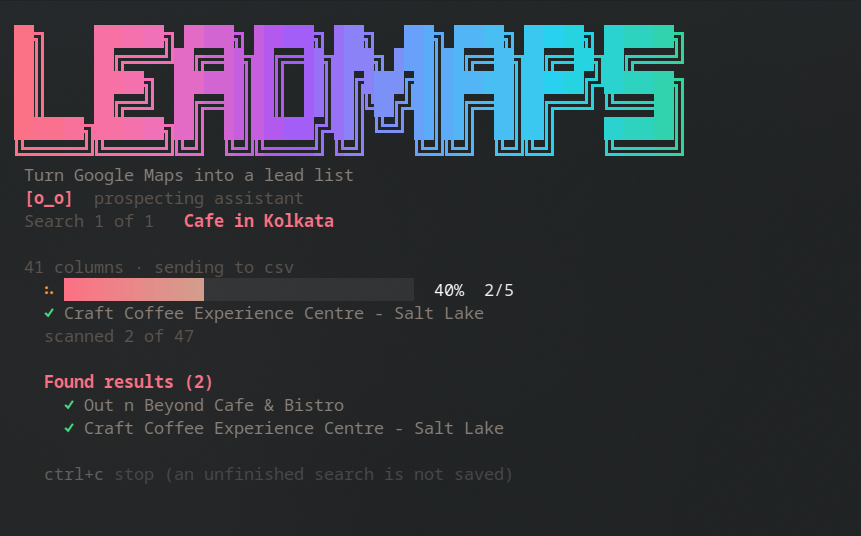
Business types and towns, several at a time. "dentist, orthodontist" across "Pune, Mumbai" is four searches in one run, de-duplicated.
Filter for businesses with no website — the ones easiest to sell a site to, and the ones no prospecting database bothers to index. Then choose which of the 41 columns you actually want.
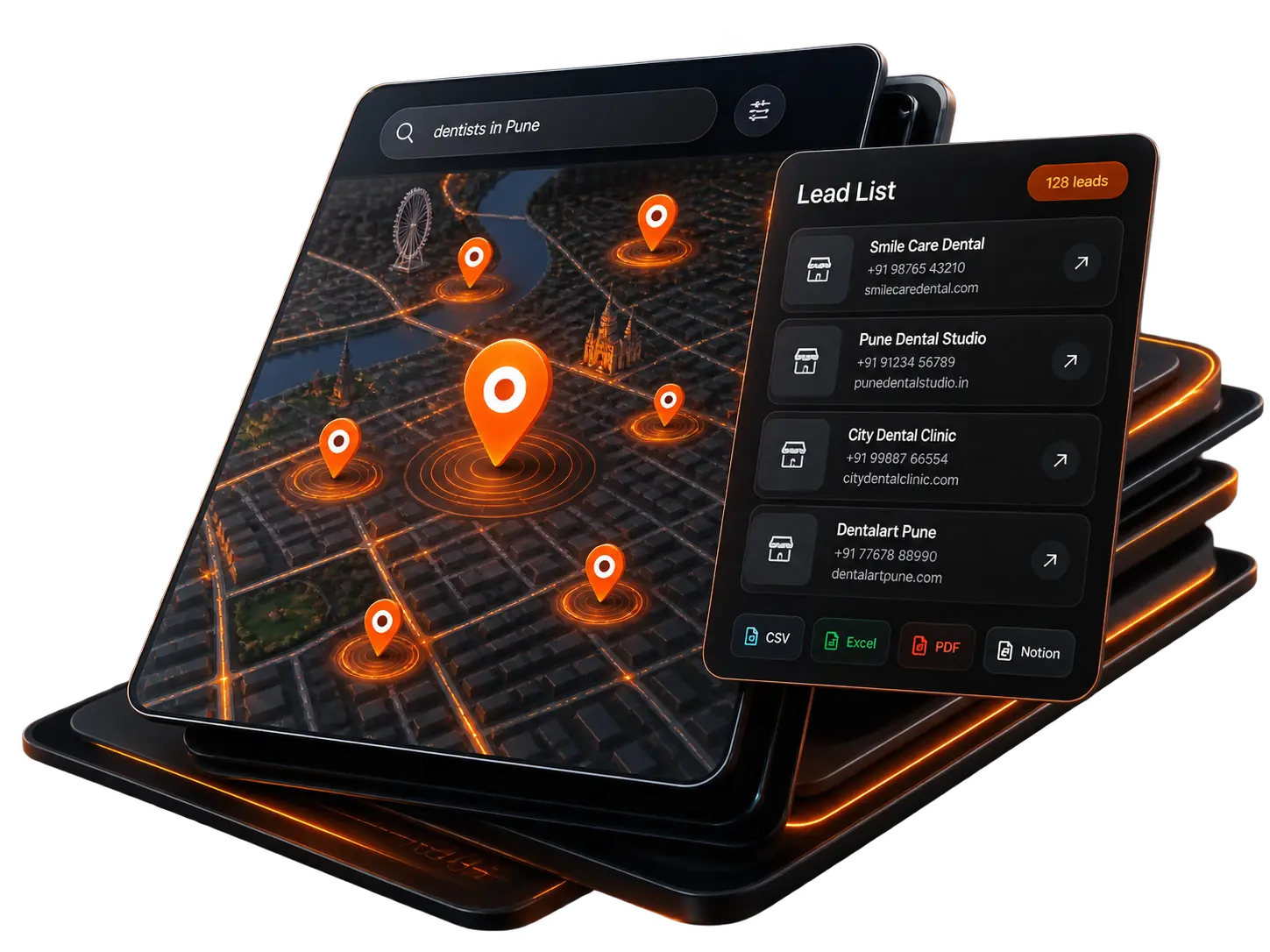
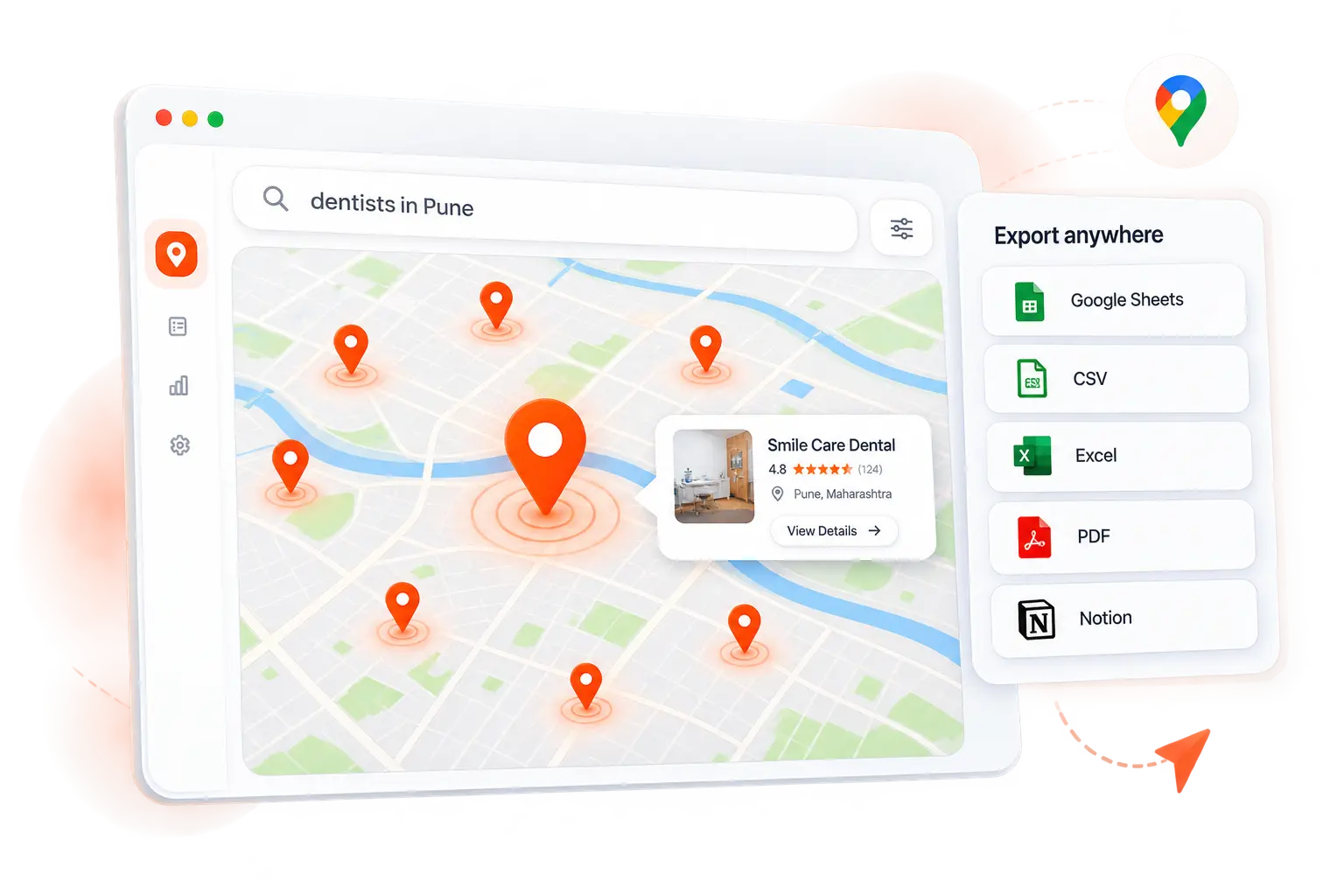
Notion, Google Sheets, CSV, Excel or PDF. Combine them. Re-run the same search whenever you like — it only ever adds what is new.
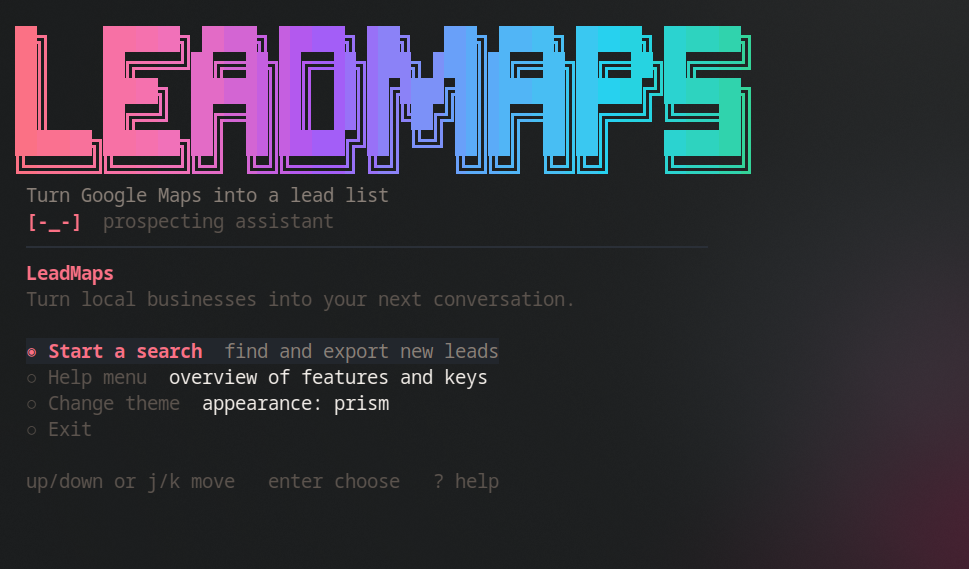
leadmaps with no
arguments and it asks; every flag still works for scripts.
a all, n none,
d defaults.
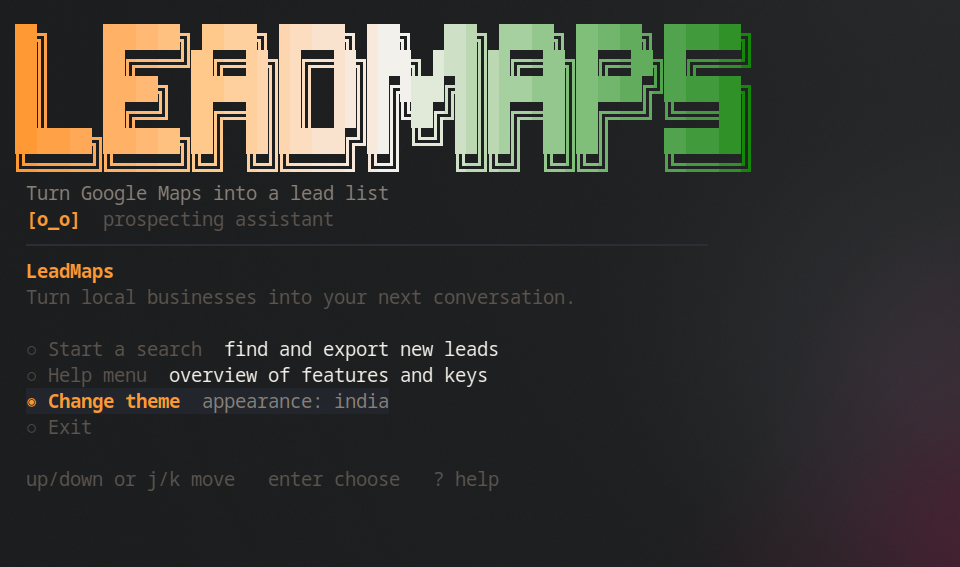
Both editions ship the same interface. Same questions, same keys, same output — whether you install the Python package or run the single binary.
pipx install leadmaps
One click in your browser and Leadmaps creates a "Leadmaps — Leads" database in your workspace, then fills it. Rich pages carry the top reviews and photos.
No subscription, no per-lead pricing, no seat count. One payment, both editions — the standalone app and the Python package — and every update.
No. Leadmaps drives a real browser against the public Google Maps pages, exactly as you would by hand — only faster and without the copying. There is no API key to obtain and no per-request billing.
No. If you send leads to Google Sheets, you share your own spreadsheet with the Leadmaps service account and paste the link. There is no Google sign-in screen and no password. Every other destination — Notion, CSV, Excel, PDF — involves Google not at all.
No. Before writing, Leadmaps reads the rows already in your destination and skips anything it recognises by name, phone and address. Re-run a search whenever you like; it only ever adds what is new.
Windows, macOS (Intel and Apple Silicon) and Linux. The standalone app needs only Google Chrome installed; the Python package downloads its own browser on first run.
On your machine and in your own accounts. Leads go straight from your computer to your Notion or your spreadsheet. We operate no server that receives them, so there is nothing for us to store, sell or lose.
Yes. Claude Code and Cursor both can — Leadmaps ships a skill file that teaches them the commands, so you can ask in plain English and it runs the search for you.
Join hundreds of local businesses and agencies already pulling leads from Google Maps. Get started in minutes — no API key, no subscription.